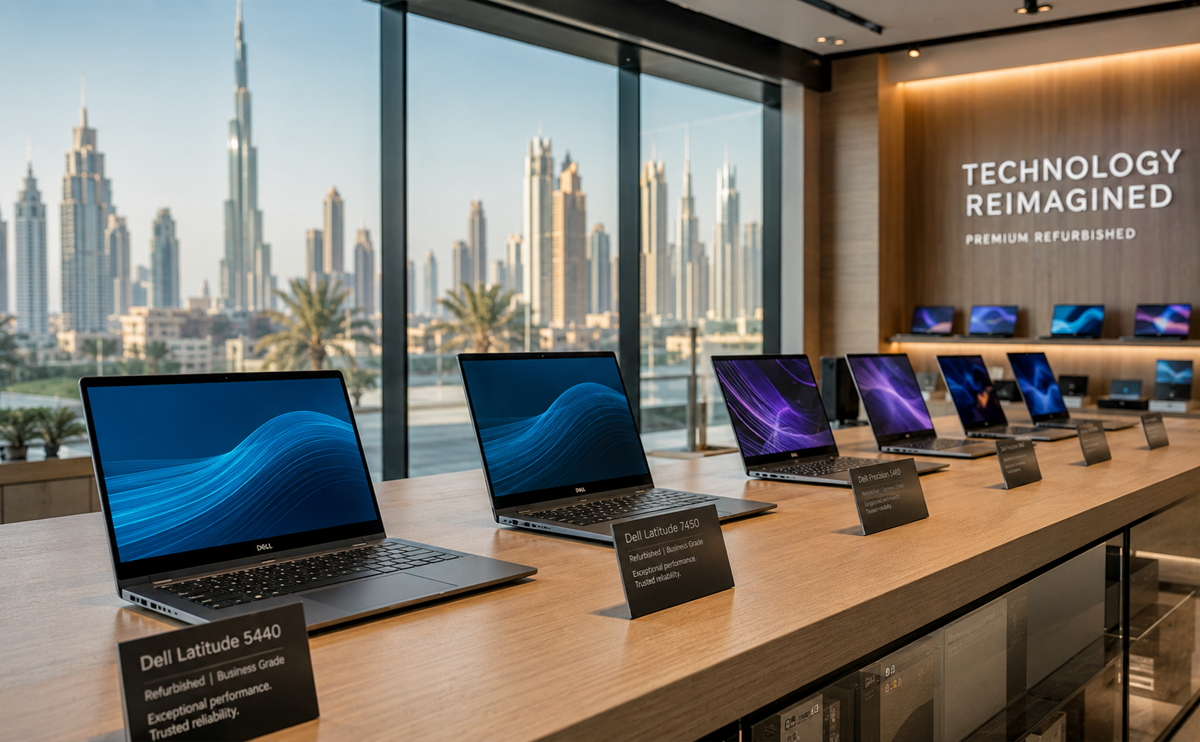
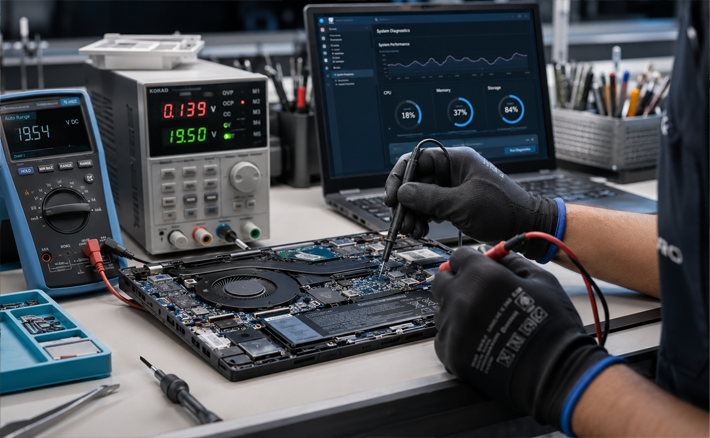
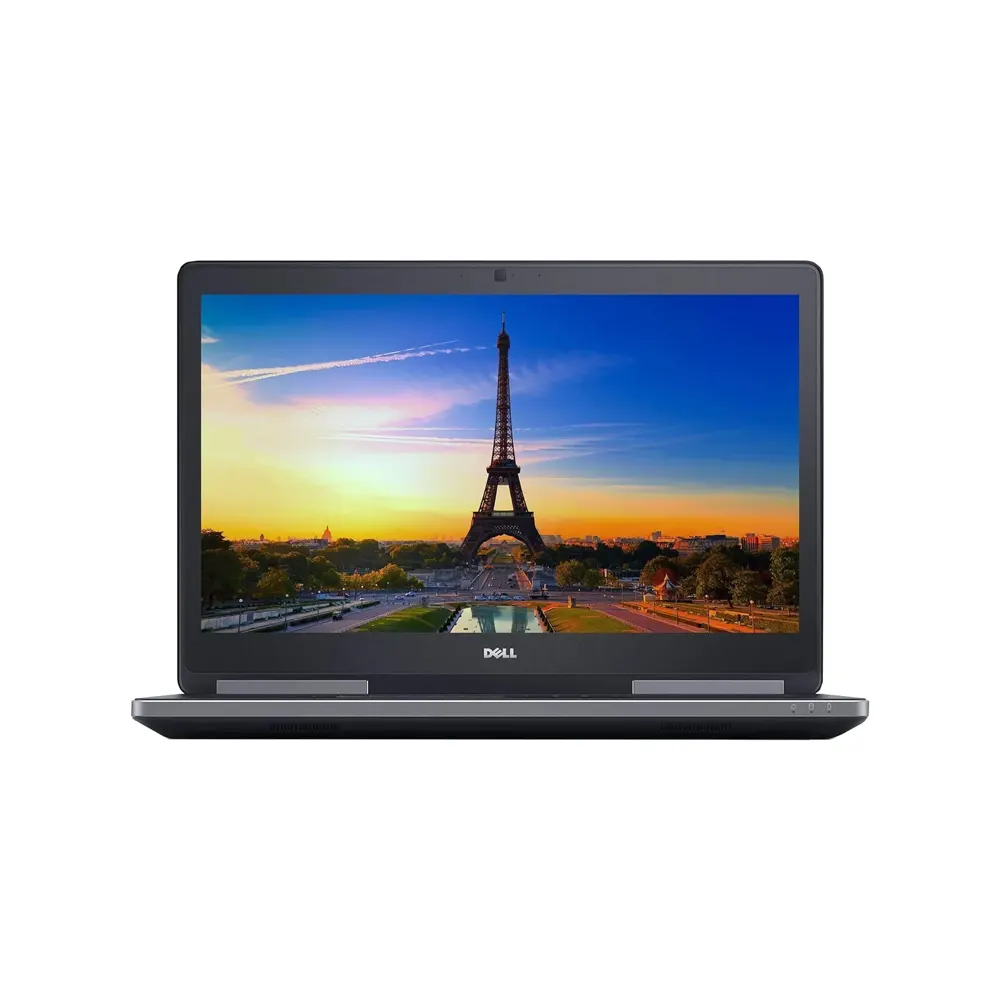
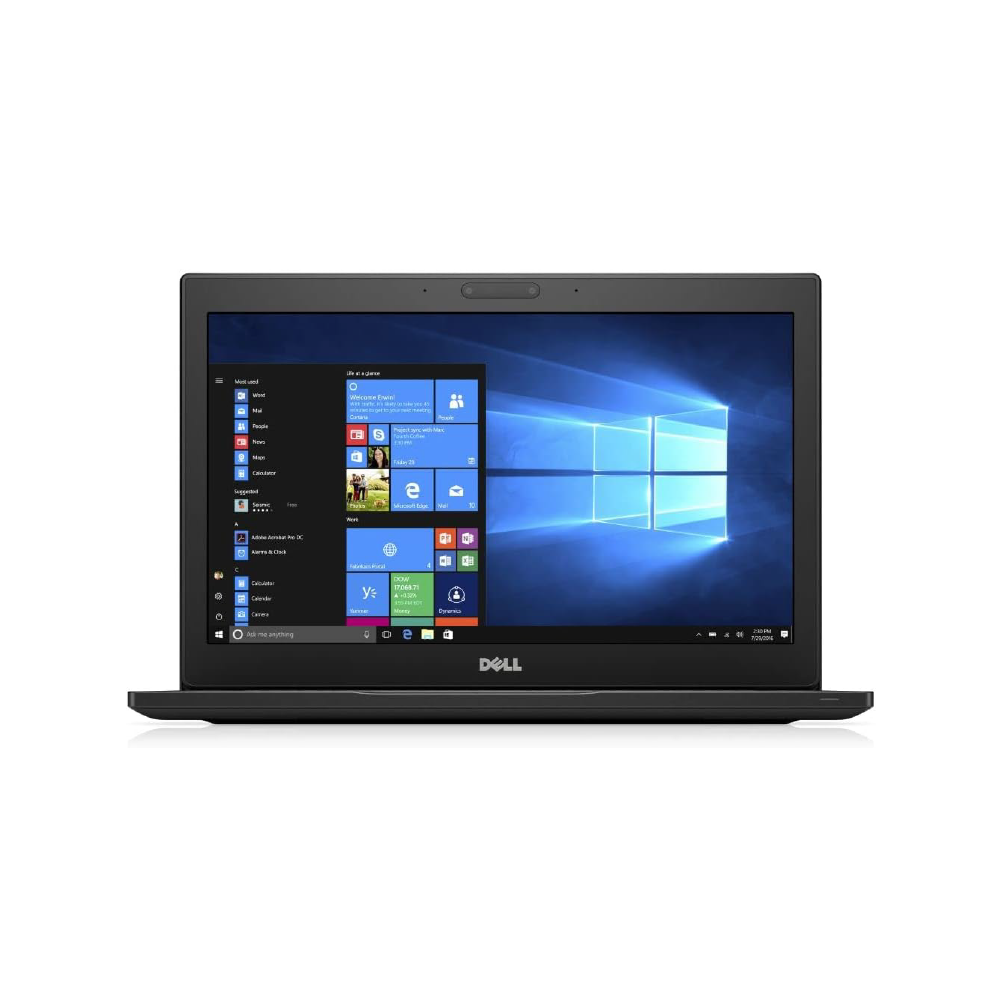
The digital world is growing very fast in the United Arab Emirates. Because of this, people need reliable computer power every day. Whether you are a business worker or a student in Dubai, finding a good computer is important. However, premium hardware shouldn't mean draining your savings. Currently, brand-new computing gear has become very expensive due to high manufacturing costs. Therefore, choosing to buy certified refurbished dell laptops uae models has become a popular option. It is now a top choice for smart shoppers across the country.
This comprehensive 2026 guide breaks down the simple details of the refurbished market. Additionally, it highlights the differences between laptop families. Finally, it shows how you can get high-performance computers at a fraction of standard retail costs.
Why Sourcing Refurbished Dell Laptops in UAE Makes Strategic Sense
The global personal computer industry has changed a lot lately. For instance, recent market data tracks a big rise in retail prices. Leading tech groups like the International Data Corporation (IDC) report that production costs are up. As a result, prices for new high-tier laptops have jumped by 15% to 25%.
At the same time, large offices across Dubai and Abu Dhabi regularly update their tech. They usually do this every two to three years. They swap out older models to keep up with corporate fleet lease terms.
Consequently, this fast corporate cycling creates a massive opportunity for local consumers. It is now easier than ever to find top-quality refurbished dell laptops uae configurations. Furthermore, these machines are not fragile, cheap plastic models. Instead, they are premium, industrial-grade business systems built to last. By choosing a professionally fixed computer, you bridge the gap between high performance and smart spending. As a result, you completely bypass high retail markups.
Key Benefits of Purchasing Refurbished Dell Laptops in the UAE
Investing in a professionally reconditioned system from a trusted provider offers distinct mechanical, practical, and financial benefits:
-
Elite Enterprise Structural Build Quality: Consumer laptops found on typical retail shelves rely heavily on thin plastic bodies to minimize production costs. Conversely, corporate series—such as Dell Latitude or Precision models—are constructed with premium magnesium alloy roll cages, carbon fiber back covers, and anodized aluminum hinges engineered to pass strict military-grade structural tests.
-
Substantial Capital Optimization: A brand-new enterprise laptop can easily cost between AED 4,500 and AED 6,500 at launch. Opting for a factory-certified or store-refurbished equivalent drops that price down to a more accessible AED 1,200 to AED 2,200 range while providing identical speed and stability.
-
Easy Hardware Upgrades: Most modern thin consumer ultrabooks feature soldered memory configurations, meaning you cannot upgrade the RAM or storage if your work needs change. Dell's business lineups are built with modular maintenance layouts, allowing you to easily swap or upgrade system RAM modules and NVMe storage drives down the line.
-
A Positive Choice for the Environment: E-waste remains a critical environmental challenge for modern global cities. Extending the functional lifespan of an existing computer cuts down on industrial manufacturing demands and reduces e-waste footprint, supporting sustainability goals like the UAE Net Zero initiative.
The Complete Buyer's Guide: Matching Hardware to Your Workflow
Navigating the market for refurbished systems requires a clear understanding of your computing needs. To select the perfect device for your daily workflow, consider how Dell classifies its product families:
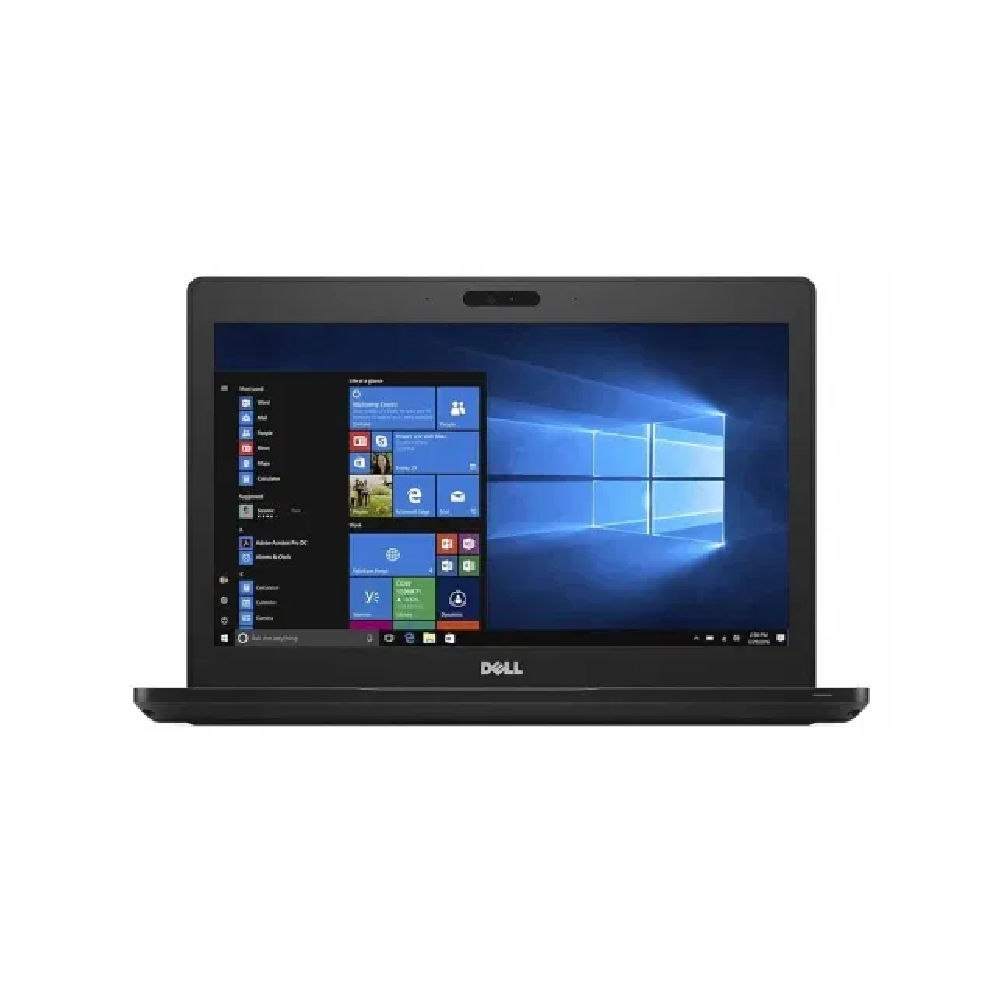
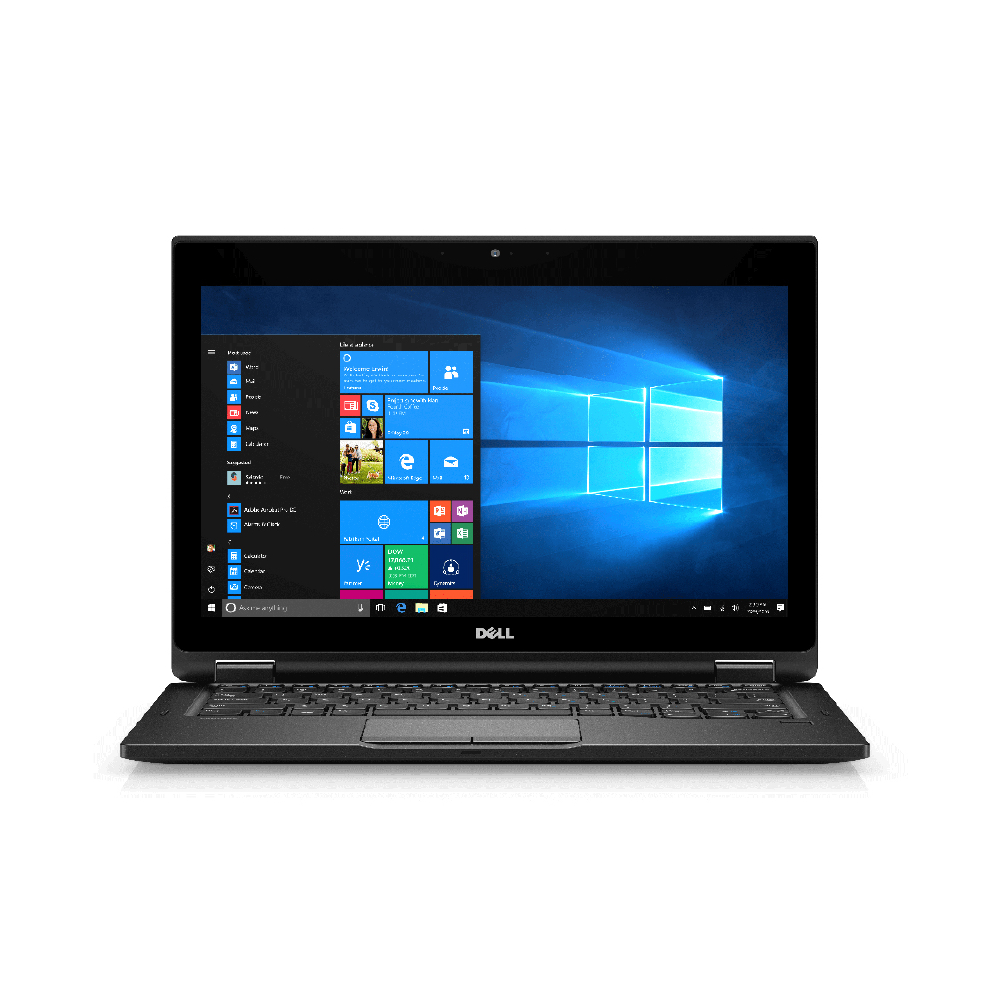
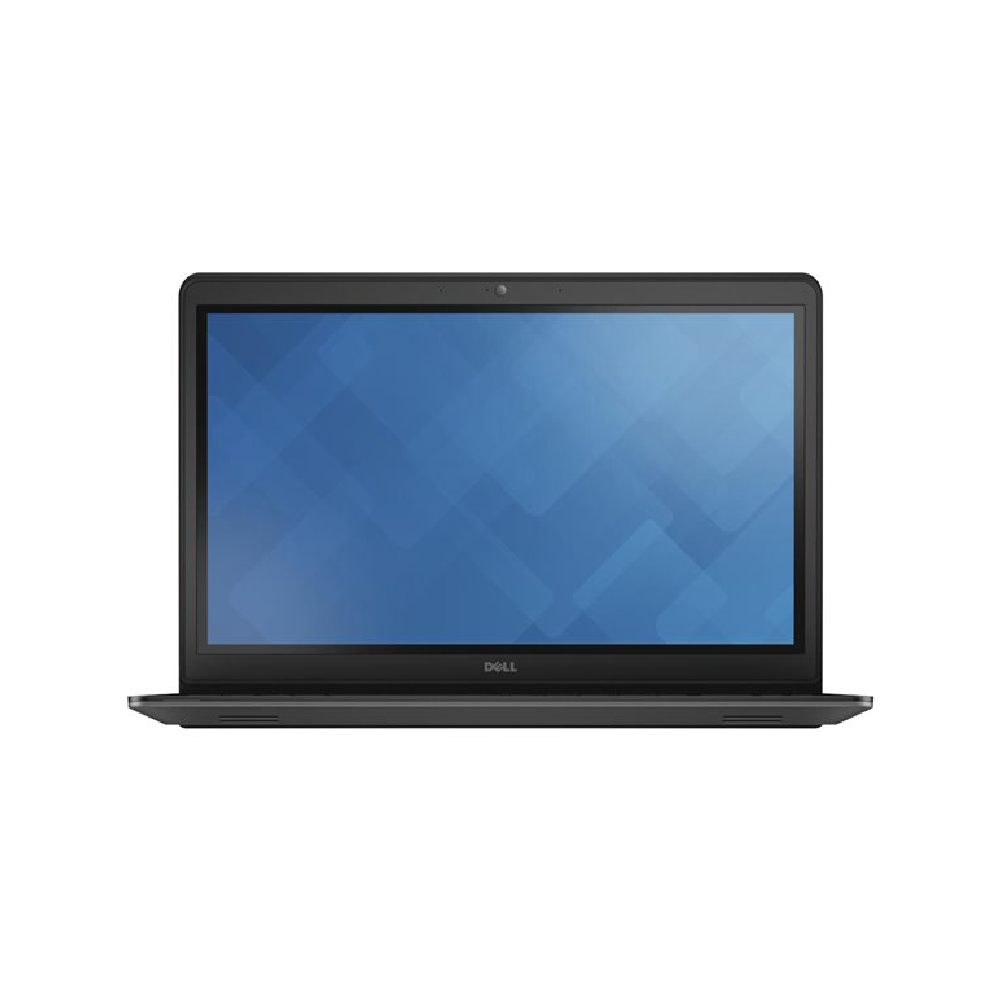
1. The Dell Latitude Series: Built for Everyday Business and Remote Work
The Latitude family serves as the gold standard for office environments, remote freelancers, and university students who prioritize long battery life, quiet operation, and typing comfort.
Sourcing Guide: Matching Refurbished Dell Laptops UAE Models to Your Workflow
Navigating the market for refurbished systems requires a clear understanding of your computing needs. To select the perfect device for your daily workflow, consider how Dell classifies its product families to find the ideal match:
1. The Dell Latitude Series: Built for Everyday Business and Remote Work
The Latitude family serves as the gold standard for office environments, remote freelancers, and university students. This is because these users prioritize long battery life, quiet operation, and typing comfort.
-
Key Design Elements: Spill-resistant keyboards, matte anti-glare displays, and comprehensive port layouts (including HDMI and USB-C).
-
Hardware Recommendation: Look for modern configurations featuring an Intel Core i5 or i7 (11th Generation or newer) paired with 16 GB of system RAM. This setup ensures smooth multi-tasking across large sheets and communication apps.
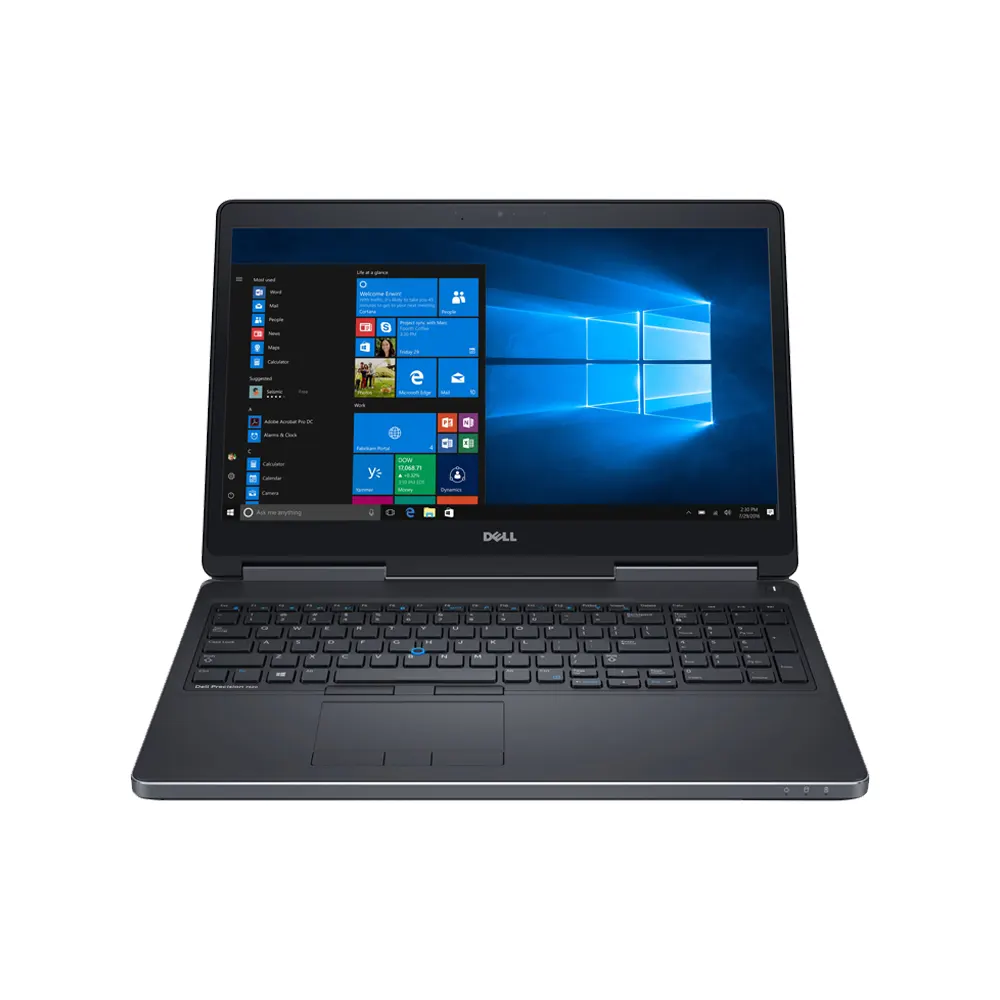
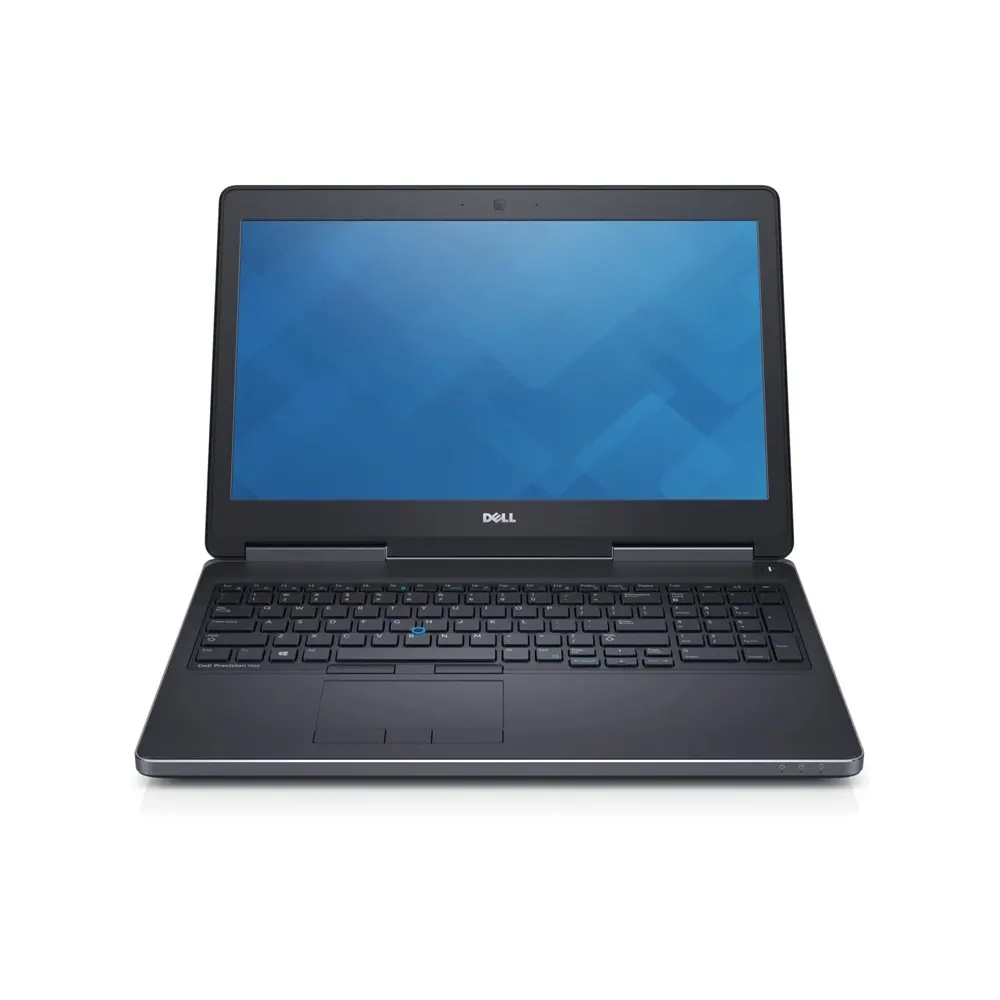
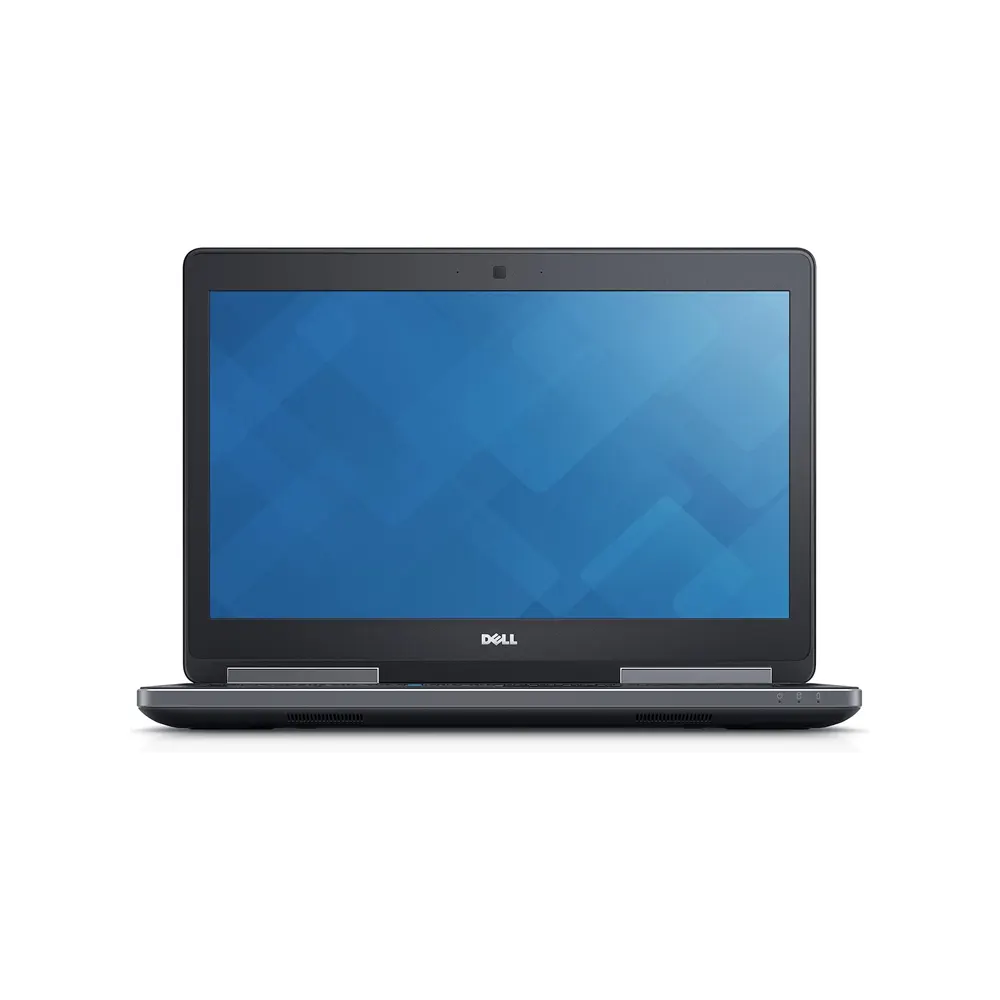
2. The Dell Precision Series: Dedicated Processing Power for Creators
If your daily tasks involve processing high-resolution video timelines, executing large database files, or compiling software code, focus on portable workstations.
-
Key Design Elements: Independent Software Vendor (ISV) certifications, dual-fan cooling paths, and multi-slotted storage architecture.
-
Hardware Recommendation: Look for models featuring dedicated NVIDIA RTX or Quadro graphics processors. They should also include expandable storage slots to handle heavy creative applications.
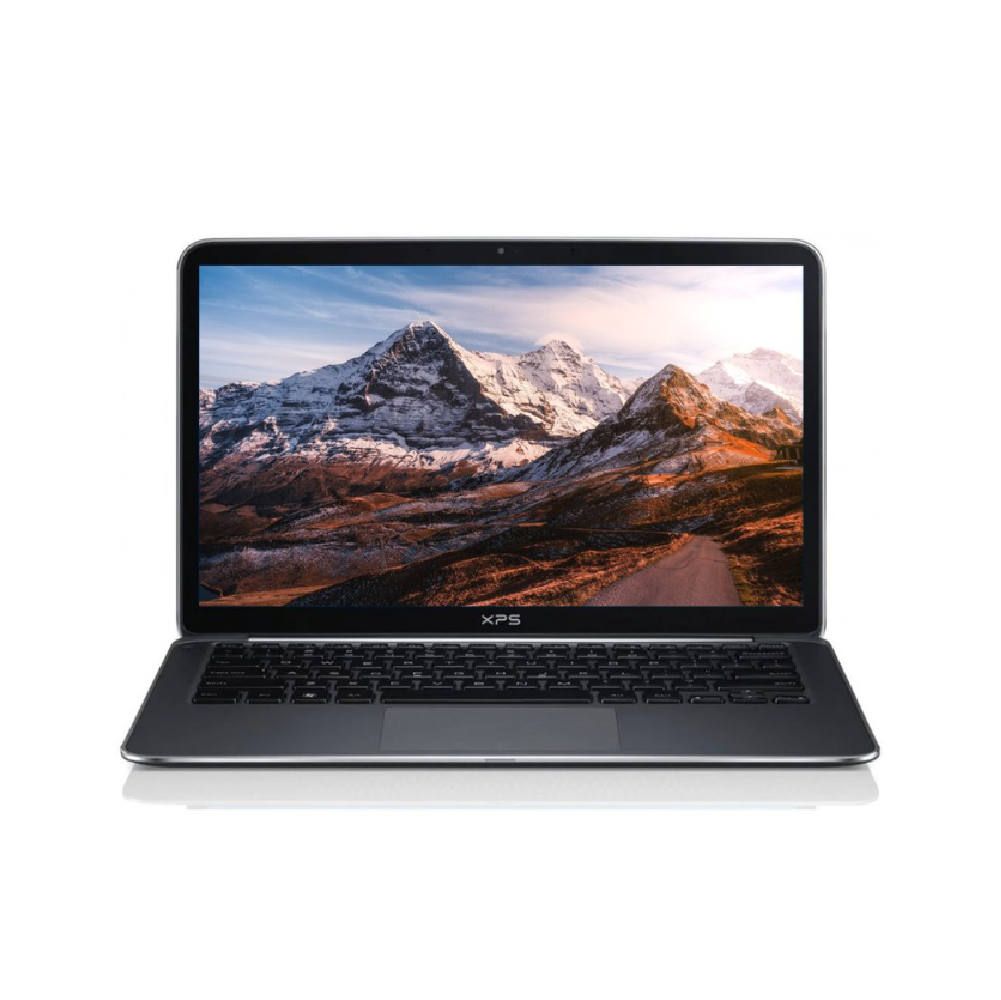
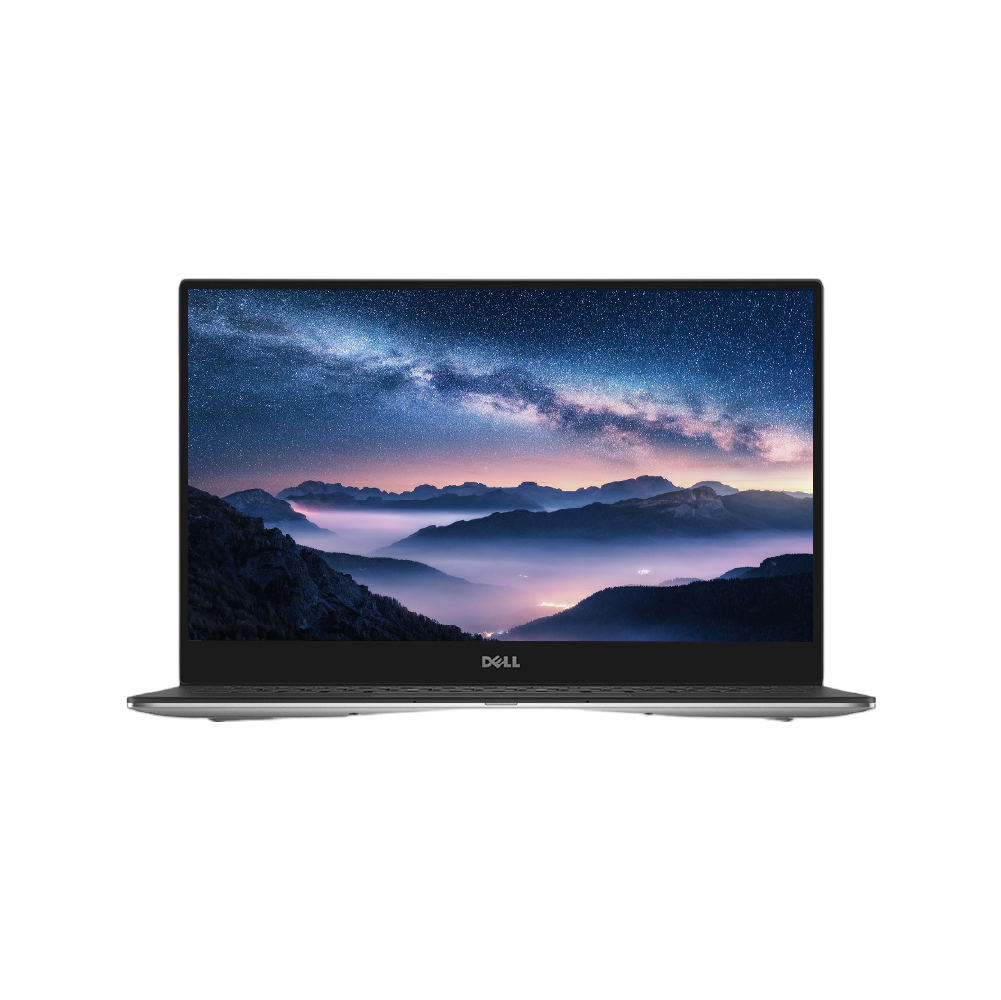
3. The Dell XPS Series: High-End Design and Visual Clarity
The XPS line targets executives, digital marketers, and users who want a sleek design. They also look for vibrant display color accuracy and ultra-thin aluminum framing.
-
Key Design Elements: InfinityEdge displays with high color accuracy, CNC-machined aluminum cases, and thin profiles.
-
Hardware Recommendation: Ensure the device includes a comprehensive battery diagnostic check. This is vital because these ultra-thin models rely heavily on battery health to sustain performance throughout the day.