

Blog
Smart Savings: How to Find the Best Used Laptops in Dubai
Buying a laptop shouldn't mean draining your savings. Whether you're a student, a hardcore gamer, or an everyday user, the marketplace for used laptops in dubai has grown massive, offering premium, near-flawless tech at a fraction of retail prices.
At Aygro, we match buyers with verified, high-performance machines. Here is your ultimate guide to navigating the pre-owned market and getting the absolute most value for your Dirhams.
Why Go Pre-Owned in Dubai?
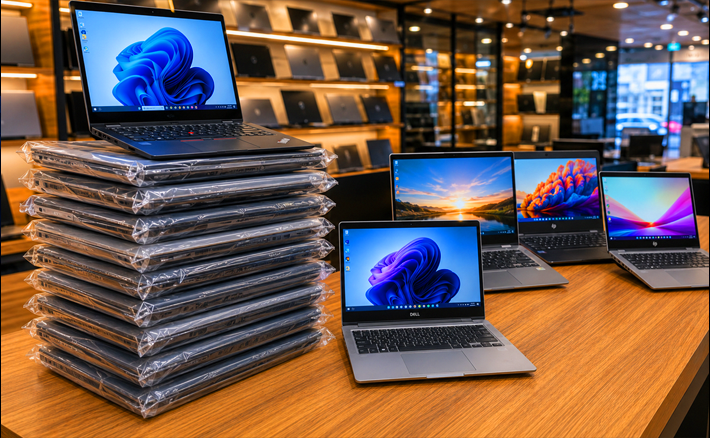
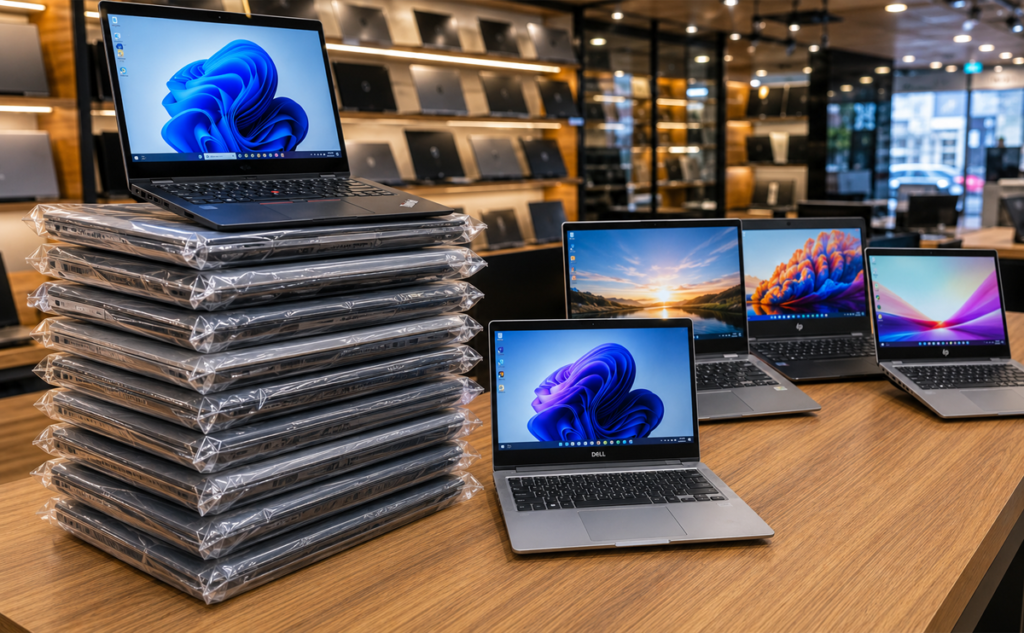
The fast-paced tech cycle in the UAE means corporations and tech enthusiasts upgrade their devices constantly. This leaves the secondary market flooded with premium machines that are barely a year or two old. You can easily score a professional-tier chassis or high-end components for less than half its original retail cost.
Spotlighting the Top Value Segments
1. Power on a Budget: Core i7 Matches
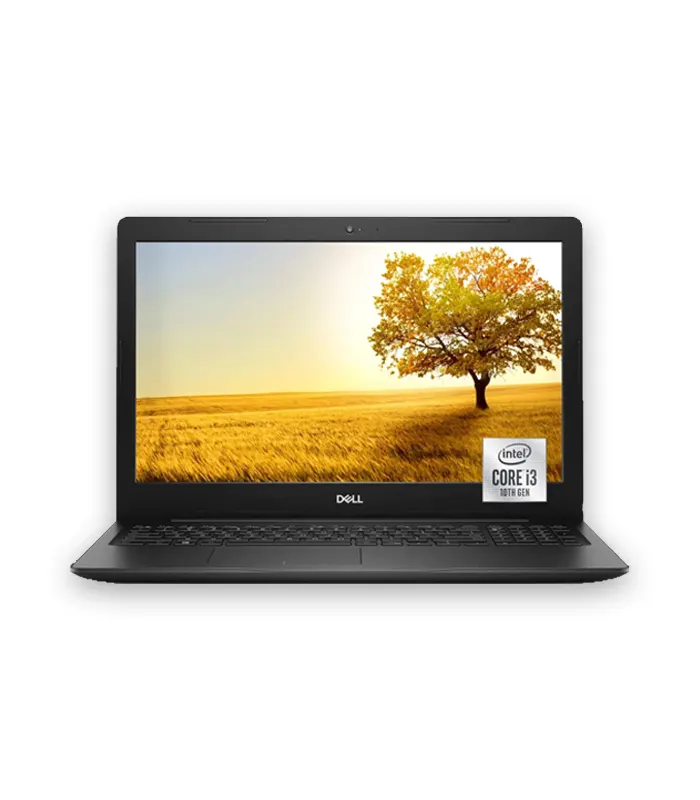
If you handle heavy multi-tasking, audio production, or intermediate content creation, you need processing power. Checking the core i7 laptop price uae markets will reveal that buying pre-owned drops these powerhouse chips down into the highly affordable AED 900 to AED 1,600 range, depending on the generation. You get flagship speeds without the flagship price tag.
2. Desktop Gaming on the Go
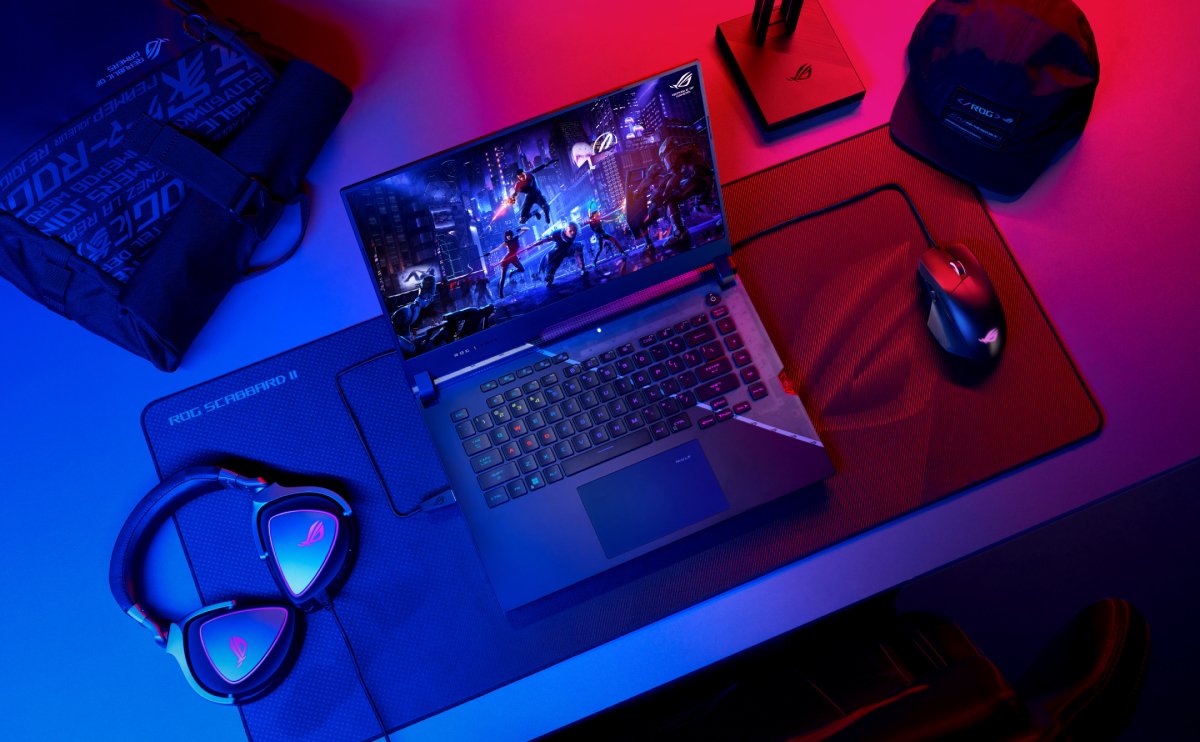
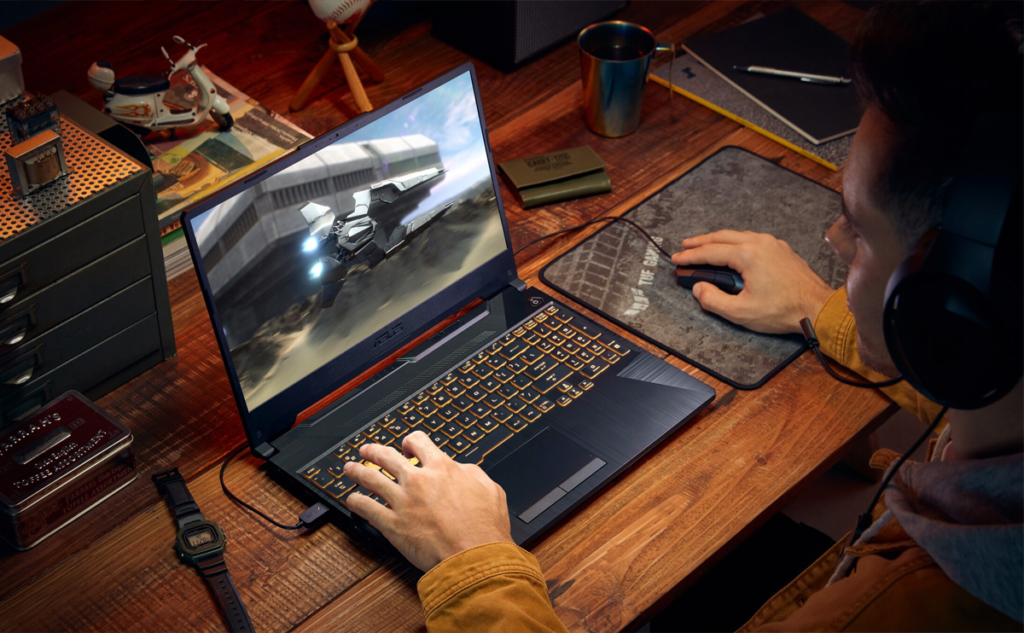
Who says gaming has to cost a fortune? The market for a budget gaming laptop dubai features incredible values on previous-generation graphics cards. Devices packing mid-tier GPUs can confidently run modern esports titles and AAA games smoothly, often pricing between AED 2,500 and AED 3,800.
| Laptop Type | Ideal User | Expected Used Price Range (AED) |
| Everyday/Student | Web browsing, assignments, Netflix | AED 500 – AED 900 |
| Core i7 Performance | Content creators, heavy multi-taskers | AED 900 – AED 1,600 |
| Budget Gaming | Gamers, video editors, 3D modelers | AED 2,500 – AED 3,800 |
Moment announces its first accessories for mirrorless
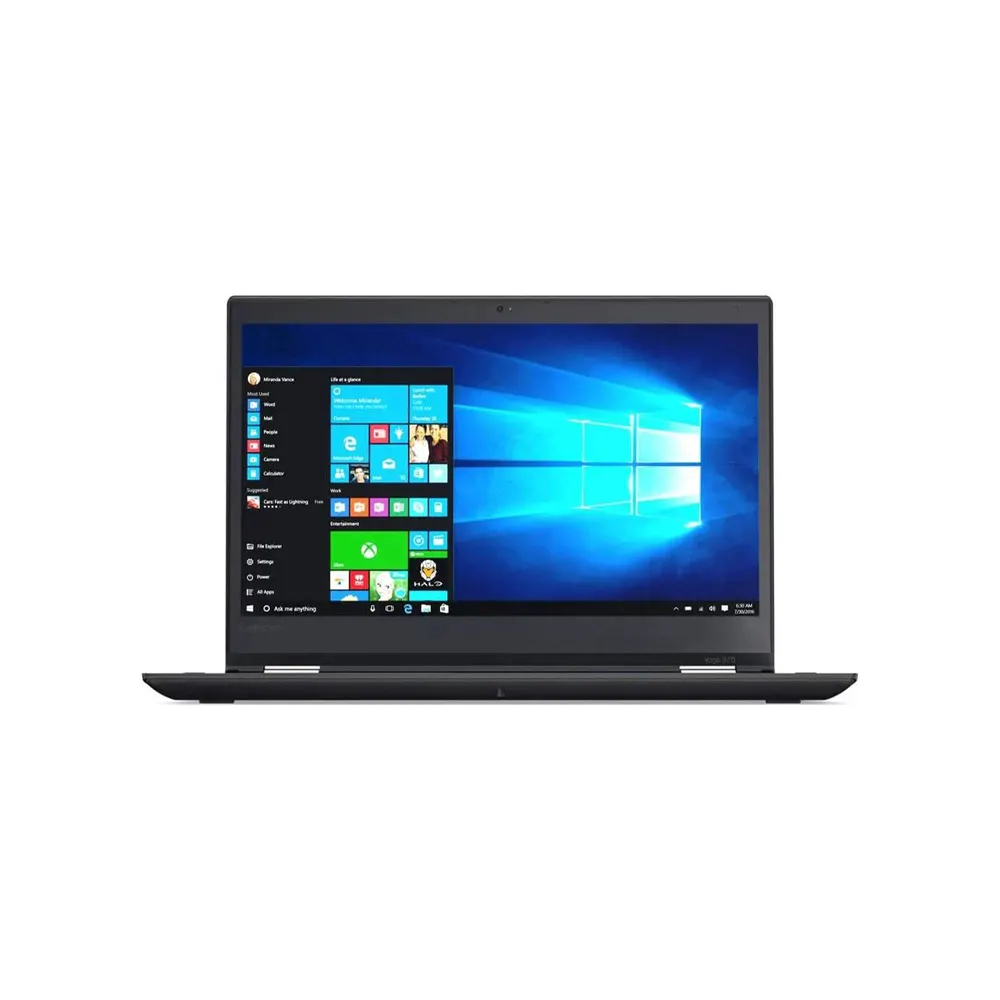
MacBook Pro A1990, 16.0″ Inch Display, Intel Core i7, 16GB RAM, 256GB SSD, Mac OS (Renewed)
Crucial Inspection Checklist Before Buying
To make sure you are getting a reliable device, always check these main hardware points:
Battery Health: Check the cycle count in the OS settings. Ensure it holds a steady charge.
Screen Deficiencies: Open a pure white screen to check for dead pixels or bright white spots.
Port Functionality: Physically plug a flash drive into every single USB and USB-C port to verify connectivity.
Pro Tip from Aygro: Always buy from verified vendors who offer a functional testing warranty. Buying a cheap laptop from an unverified stranger on a classifieds site leaves you completely unprotected if the motherboard fails a week later.
Nor again is there anyone who loves or pursues or desires to obtain pain of itself, because it is pain, but occasionally circumstances occur in which toil and pain can procure him some great pleasure. To take a trivial example, which of us ever undertakes laborious physical exercise, except to obtain some advantage from it? But who has any right to find fault with a man who chooses to enjoy a pleasure that has no annoying consequences, or one who avoids a pain that produces no resultant pleasure?